


By Hiran de Silva
The Everyday Drive to Work
Imagine this.
Every morning, you drive to work.
Same route.
Same time.
Same sequence of turns.
Now imagine your car has a recorder.
You press Record when you leave home.
It captures everything:
- Turn left at the end of the road
- Stop at the red light
- Wait at the pedestrian crossing
- Turn right at the junction
- Park in your usual space
The next day, you decide:
“I’ll just replay the journey.”
So you press Play… and start reading the newspaper.
What Happens Next?
Everything goes wrong.
- A car is coming from the right → your car still turns left
- Someone is crossing → your car keeps going
- The lights are green → your car stops anyway
- The road is closed → your car drives straight into it
Chaos.
Horns.
Near misses.
Police involvement.
The Question
Is that a viable way to drive a car?
Of course not.
Enter: The 1970s “Smart” Navigation System

4
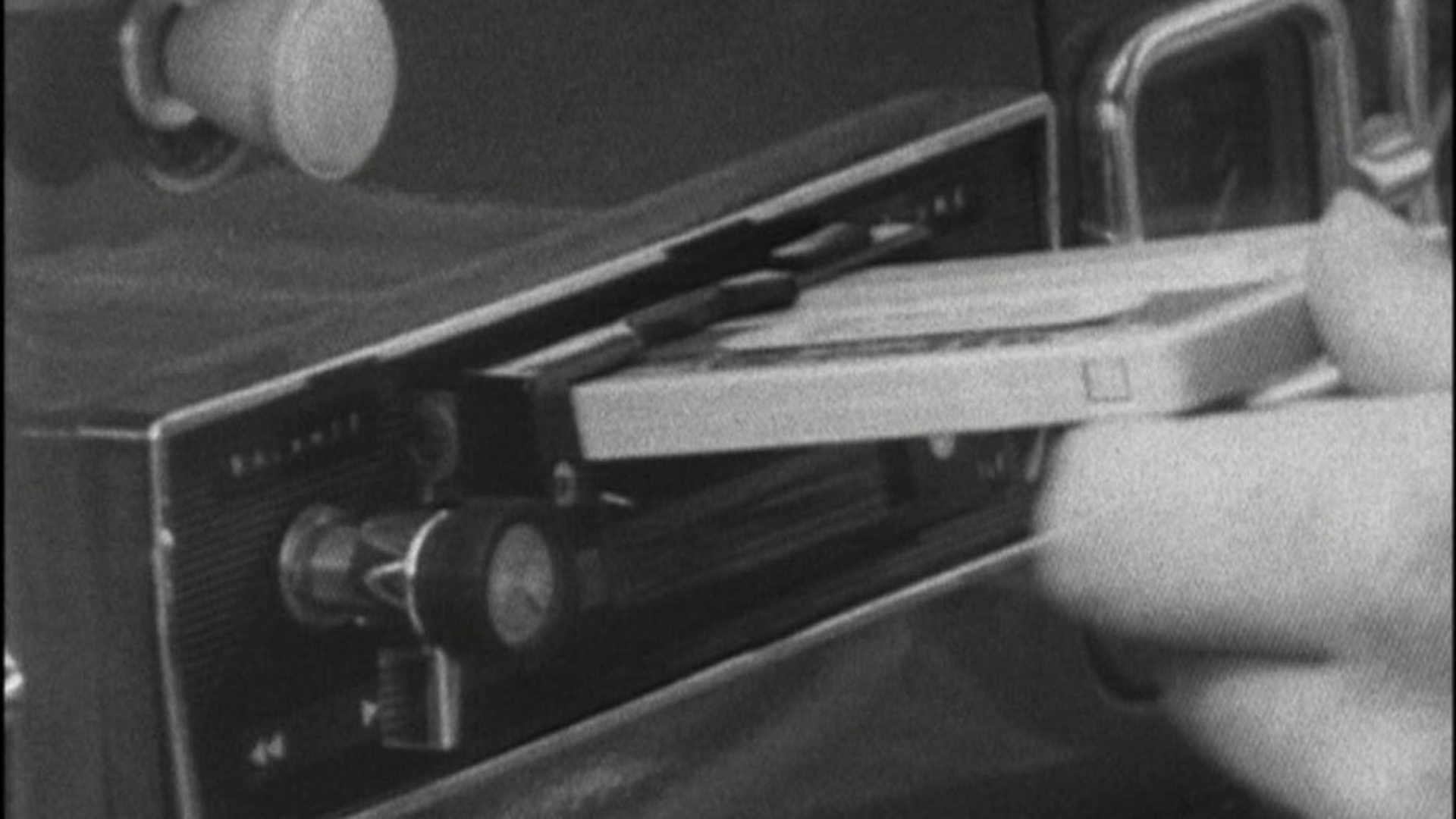
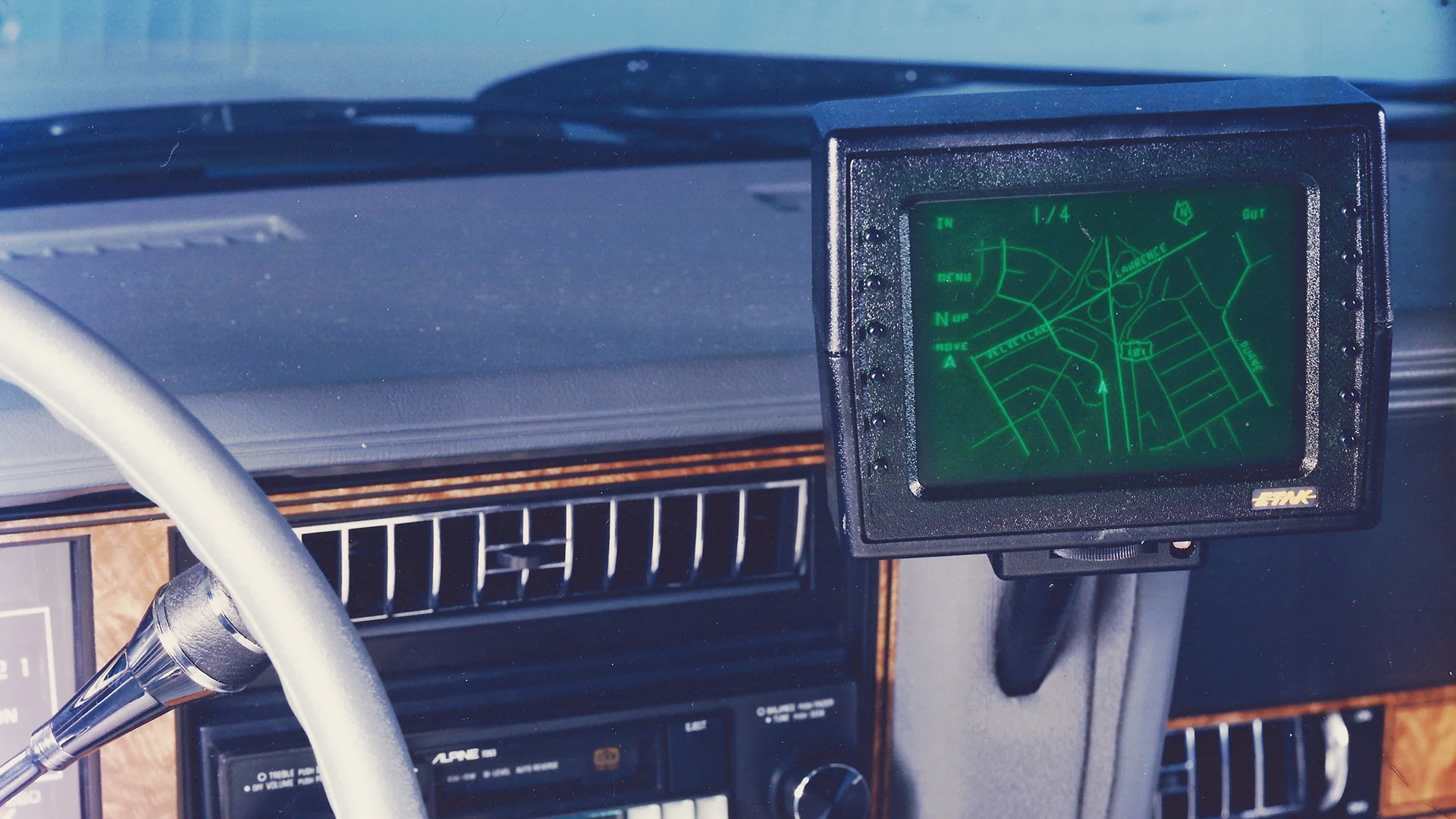
Back in the 1970s, on Tomorrow’s World, presenter Michael Wood demonstrated something remarkable.
A navigation system using…
👉 A cassette tape
It would:
- Play instructions (“turn left”, “turn right”)
- Use distance travelled to stay in sync
Clever for its time.
But fundamentally?
It had the same flaw as our recorded journey.
- No awareness
- No adaptation
- No intelligence
If the road was closed…
It would happily guide you into the sea.
Now Compare That With Modern Sat Nav
4
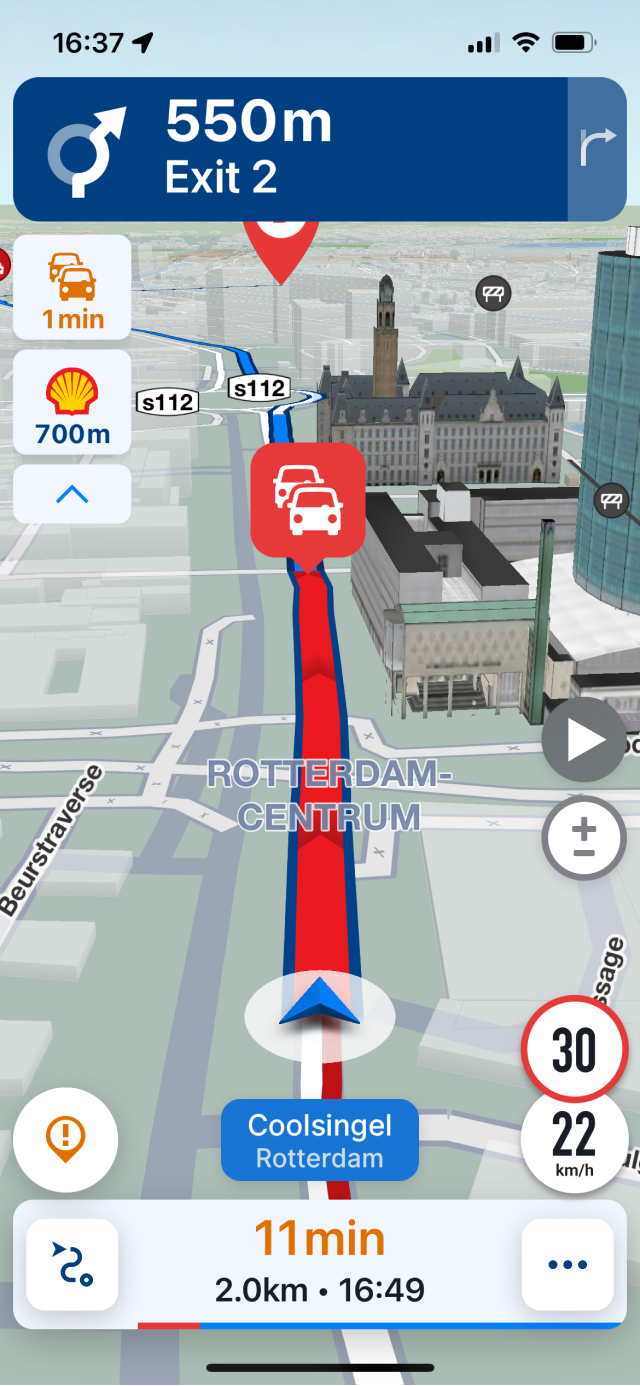
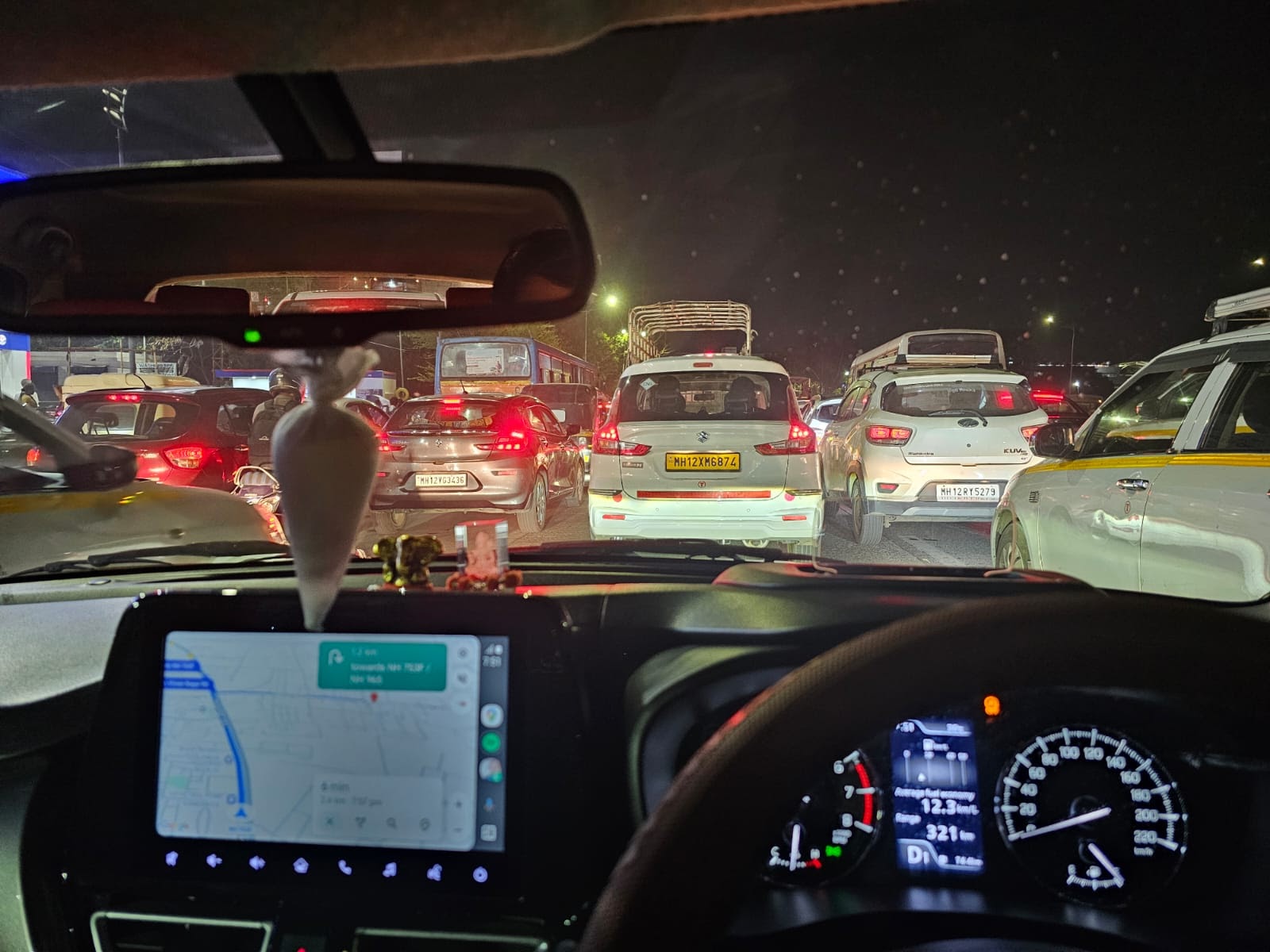
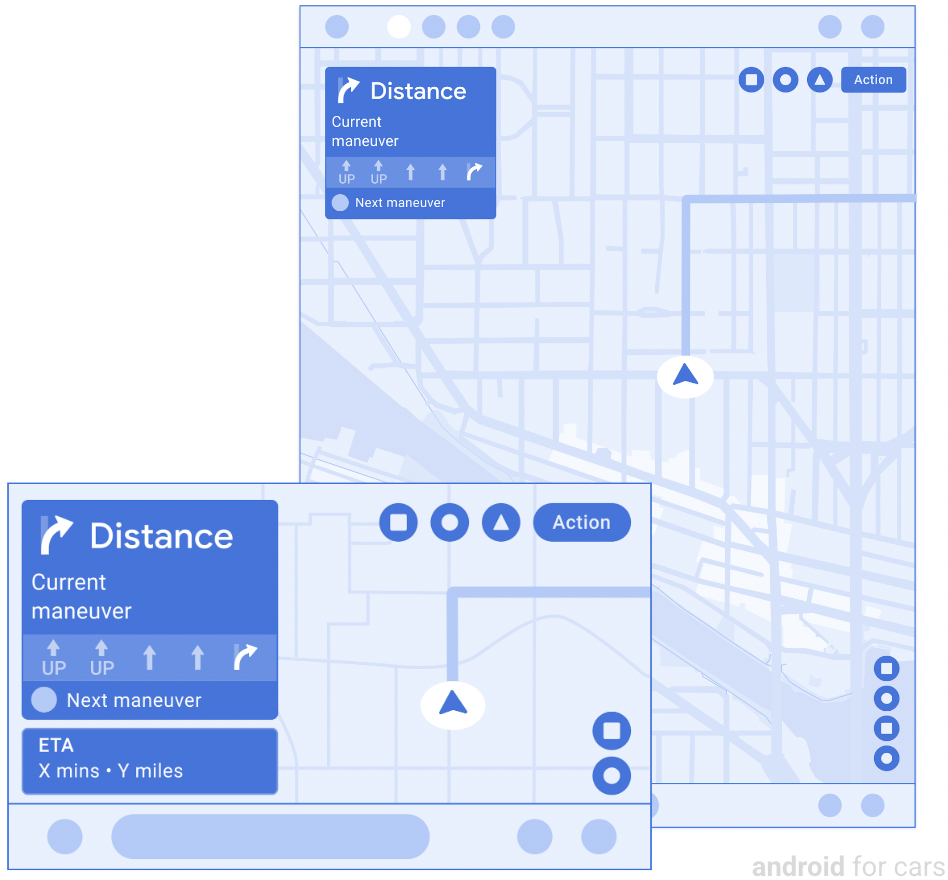
Modern navigation systems are completely different.
They:
- Monitor traffic in real time
- Detect road closures
- Recalculate routes instantly
- Respond to what is happening now
Same goal.
Completely different method.
And Now… the Self-Driving Car


4
Take it one step further.
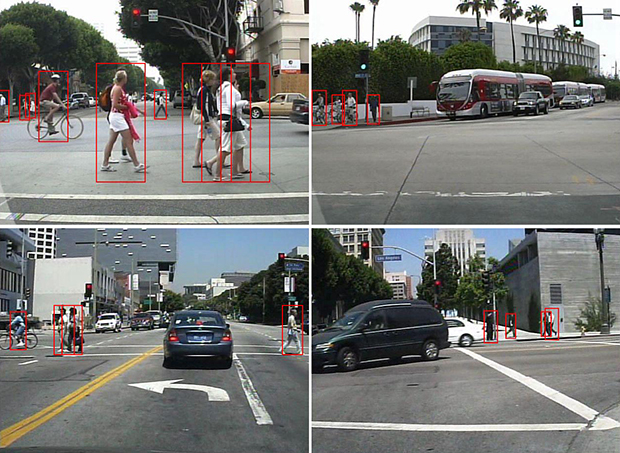
A self-driving car:
- Checks for oncoming traffic
- Detects pedestrians
- Reads traffic lights
- Obeys road signs
- Adjusts continuously
It doesn’t follow a script.
It follows rules + observation + decision-making.
Now Let’s Talk About Excel
This is where the misunderstanding begins.
What Most People Say
“A macro is something you record…
and VBA is when you modify it.”
Fair.
Common.
Completely misses the point.
The Real Difference
Macro Recorder = Cassette Tape
- Records exact actions
- Replays them blindly
- Works only if nothing changes
Even if you “edit” the macro…
You are still:
👉 Tweaking the tape
👉 Not changing the system
VBA Programming = Self-Driving System
- Evaluates conditions
- Makes decisions
- Responds dynamically
- Works across changing scenarios
It’s not:
“Do this, then this, then this…”
It’s:
“If this happens… do that.”
The Critical Insight
Recording a macro is:
Replaying yesterday
Programming is:
Handling today
Why This Matters (Massively)
Because real-world Excel problems are not static.
They involve:
- Changing data
- Changing users
- Changing conditions
- Unexpected exceptions
A recorded macro assumes:
“Tomorrow will look exactly like yesterday.”
Programming assumes:
“Tomorrow will be different — and I’m ready for it.”
The Musical Analogy
There are two ways to play music:
1. Classical Performance (Recorded Macro)
- Notes are fixed
- You follow exactly
- No deviation
2. Improvisation (Programming)
- You listen
- You adapt
- You respond
- You create in real time
Same skillset?
Not even close.
The Final Layer (The Part Almost No One Talks About)
Macro recording only captures:
👉 What you can physically do in Excel
But the most powerful parts of Excel…
👉 Are not visible on the sheet
- Databases
- ADO connections
- External data systems
- Client-server architecture
These cannot be recorded.
They must be designed and programmed.
The One-Line Summary
A recorded macro repeats actions.
VBA programming replicates thinking.
And That Changes Everything
Because once you see this…
You realise:
- Why most Excel automation breaks
- Why “automation tutorials” fall short
- Why enterprise Excel looks completely different
And why…
The real power of Excel has almost nothing to do with recording macros.




Add comment